AI Agents vs Traditional Chatbots: Which Is Really Needed?
You have just deployed a chatbot to your website. Guest asked: “I want to change my appointment to Friday”. Chatbot replied: “Please call hotline 1900xxx for support”. The customer left — didn’t call, didn’t come back.
That is the line between traditional chatbots and AI agents. One side answers the question, the other side solves the problem. This article clearly compares so you know when you need which one.
What is a Traditional Chatbot?
Traditional chatbots are autoresponder-based software fixed rules (rule-based). You design scenarios — if the customer says X, the bot replies Y. It works like a decision tree disguised as a conversation.
Main characteristics
- Rule-based: All responses are pre-programmed, there is no possibility of off-script processing
- Keyword matching: Classify intent based on keywords, easily confused when customers express things differently than expected
- Mindless: Each session is independent, does not remember the previous context
- Escalate when encountering a corner case: When the customer asks out of range, the bot pushes to the human agent — right when it needs it most and is most helpless
When are traditional chatbots enough?
Traditional chatbots are suitable when:
- Low volume, simple process: Customers only need to look up basic information (opening hours, address, shipping fee)
- Limited budget: Fast deployment, low risk, no need for a strong technical team
- The process is 100% standardized: Every flow has clear SOPs, no exceptions
- Strict compliance: When you need absolute control over every answer (e.g. highly regulated financial industry)
In short: if your mission is reply, Not act, traditional chatbots are still the go-to tool.
What Is an AI Agent?
AI agents don’t just answer — it act. Instead of a decision tree, the AI agent uses a large language model (LLM) combined with the ability to call APIs, access databases, and execute complex processes.
If you are not familiar with this platform, post AI Agent Fundamentals Explains the architecture and operation in detail.
Main characteristics
- Autonomous: AI agent plans and chooses the right tools to complete tasks
- Tool-using: Call APIs, query databases, send emails, create tickets — all automatically
- Context-aware: Remember the entire context of the conversation, understand the intent behind the ambiguous question
- Adaptive: Can handle edge cases without escalation
- Multi-step reasoning: Analyze complex problems into multiple steps, performed sequentially
Real-life example
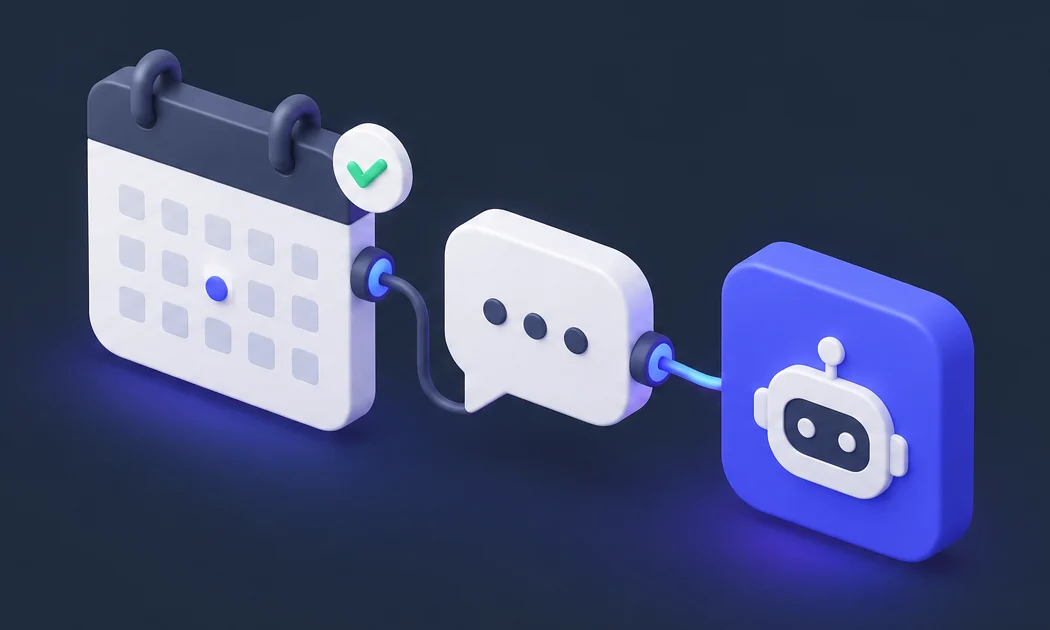
Guest said: “I want to change my appointment to Friday”. AI agent:
- Determine customer identity from context
- Look up current appointment schedules in CRM
- Check the 6th empty slot
- Recommended 3 available time slots
- Customer selects → confirmation agent, updates CRM, sends confirmation email
No hotline, no waiting, no human agent. Problem solved in 30 seconds.
Detailed Comparison Table

| Criteria | Traditional Chatbot | AI Agent |
|---|---|---|
| Architecture | Rule-based, decision tree | LLM + tools + reasoning |
| Processing capacity | Within the scope of the script | Expand and process outside the script |
| Contextual memory | No (independent session) | Yes (multi-turn, cross-session) |
| Act | Only respond, not execute | Call API, create ticket, send email, update DB |
| Implementation costs | Short | Medium – high |
| Maintenance costs | High (update rules continuously) | Lower (self-adapting model) |
| Time to go live | Fast (1-2 weeks) | Slower (4-8 weeks) |
| Fit | Simple FAQ, 100% fixed process | Automate complex, multi-step workflows |
| Scalability | Limited by number of rules | Expandable with additional tools and contexts |
Why Do Traditional Chatbots Fail When Automated?
The article Why Traditional Chatbots Fail at Automation goes into detail about each cause. Here is a summary of the fatal errors:
1. Broken when the customer said something different from what was expected
Traditional chatbots classify intent using keyword matching. “Reschedule”, “reschedule”, “transfer appointment” — three ways to say the same intent. Rule-based bot needs you to program all three. Missing one → the customer receives the sentence “I don’t understand, please rephrase”. And they don’t rephrase — they leave.
2. Unable to execute action
Chatbots can talk “Please call hotline”. It doesn’t know how to reschedule, complete orders, or create tickets. It pushes the work back to humans — right when workload is highest, which is when automation is most needed.
3. Maintenance is more expensive than deployment
Each new process = write more rules. Every new product = script update. Every time a customer complains the stupid bot = adds a new branch to the decision tree. After 1-2 years, you have a complex monster that no one dares to fix for fear of breaking another feature.
4. Cannot scale
Adding languages, adding channels, adding products — each requires rewriting from scratch or copy-pasting hundreds of rules. There is no way to reuse already written logic.
When Do You Need AI Agent?
You need AI agent when:
- The process has many related steps: Guests need to perform 3-4 actions in one session (look up → select → confirm → pay)
- Distributed data sources: Information resides in CRM, ERP, email, spreadsheet — needs to be aggregated from many places
- Customers express themselves in a variety of ways: Same idea but thousands of ways to say it — keyword matching is not enough
- Need to reduce human agent load: Not to completely replace, but to let humans handle things that really need humans
- Want to clearly measure ROI: AI agent tracks every action, you know exactly how many requests are resolved automatically
When Are Traditional Chatbots Still Enough?
Don’t over-engineer. Traditional chatbots are still a good choice when:
- Just answer the FAQ: Under 50 common questions, coverage of nearly 80% of requests
- The process is not standard: If the SOP is not clear, AI agents cannot automate the chaotic process
- Low initial budget: Proof of concept first, upgrade after actual data
- The industry demands absolute control: When every wrong answer carries legal risks
Upgrade Roadmap: From Chatbot to AI Agent
If you are running a traditional chatbot and want to switch to an AI agent, here is a practical roadmap:
Step 1: Audit current process
Analyze 3 months of conversation logs. Identify:
– Which intents does the bot handle well (>80% resolution rate)
– Which intents escalate the most?
– Which process is repetitive and takes a lot of human effort?
Step 2: Start with 1-2 high-impact use cases
Don’t transfer it all at once. Choose 1-2 processes with high volume + clear process + easy to measure ROI. For example: rescheduling an appointment, looking up an order, returning an item.
Step 3: Build tool layer for AI agent
AI agents need tools to act. Minimum list:
– CRM connection API (look up + update customers)
– API connects to booking/scheduling system
– Email sending API
– Ticket creation API
– Database query for products/inventory
If you are looking for coding tools to build AI agents and automate workflows, Get started with AI coding tools — GLM Coding Plan only $18/month, supports Claude Code, Cline and more than 20 other coding tools.
Step 4: Run in parallel — old chatbot + new AI agent
Keep the old chatbot running. AI agents handle complex intents that old chatbots often fail at. Gradually transfer traffic to AI agent when confidence is high enough.
Step 5: Measure and iterate
Monitor:
– Resolution rate: Percentage of requests resolved automatically (no human required)
– CSAT: Customer satisfaction score before and after
– Time to resolution: Average time to resolve 1 request
– Cost per resolution: Cost per request resolved
Goal: resolution rate >70%, CSAT increased, time to resolution reduced by 50%+.
Common Mistakes When Choosing Between Chatbot and AI Agent
Mistake 1: Choosing AI agent because it’s “cool”
AI agents are more expensive, more complex, and require a team with its own skills. If you just need an FAQ chatbot — use a chatbot. Don’t use cannons to shoot mosquitoes.
Mistake 2: Choosing chatbot because it’s cheaper
Chatbots are cheap to deploy, but expensive to maintain. If you have 500+ intents, add 10-20 new rules each month — the total cost of ownership (TCO) after 2 years can be higher than AI agents.
Mistake 3: Choosing one, not both
Reality: many businesses run song song. Chatbot handles FAQs, AI agents handle complex processes. Customers don’t need to know which one is serving them — they just need the problem solved.
Mistake 4: Automating an unstandardized process
Whether using a chatbot or AI agent, if the internal process is chaotic, automation will only multiply that chaos. Standardize first, automate later.
Conclusion: The Answer Depends on Your Problem
- If you need answer the question → Traditional chatbots are sufficient, cheap and quick to deploy
- If you need solve the problem → AI agent is the right tool, worth the investment
- If you need both → run in parallel, each tool handles what it does best
Don’t choose a tool and then find a problem. Let’s start with the actual business problem, then choose the right tool.
Are you ready to upgrade from chatbot to AI agent? Get started with AI coding tools — GLM Coding Plan from $18/month, supports Claude Code, Cline and 20+ coding tools for you to build automated AI agents for your own business.